<img height="1" width="1" style="display:none" src="https://www.facebook.com/tr?id=848784805269209&amp;ev=PageView&amp;noscript=1">

Overview


Pair your project management tools with itracks Board for longitudinal qualitative research. Adding Board allows project managers to seamlessly manage multi-day studies while fostering deeper participant reflection and consistent engagement. The results are richer data, higher quality responses, and an effortless management experience for your entire team.

Features
Rapid Participant & Moderator Onboarding
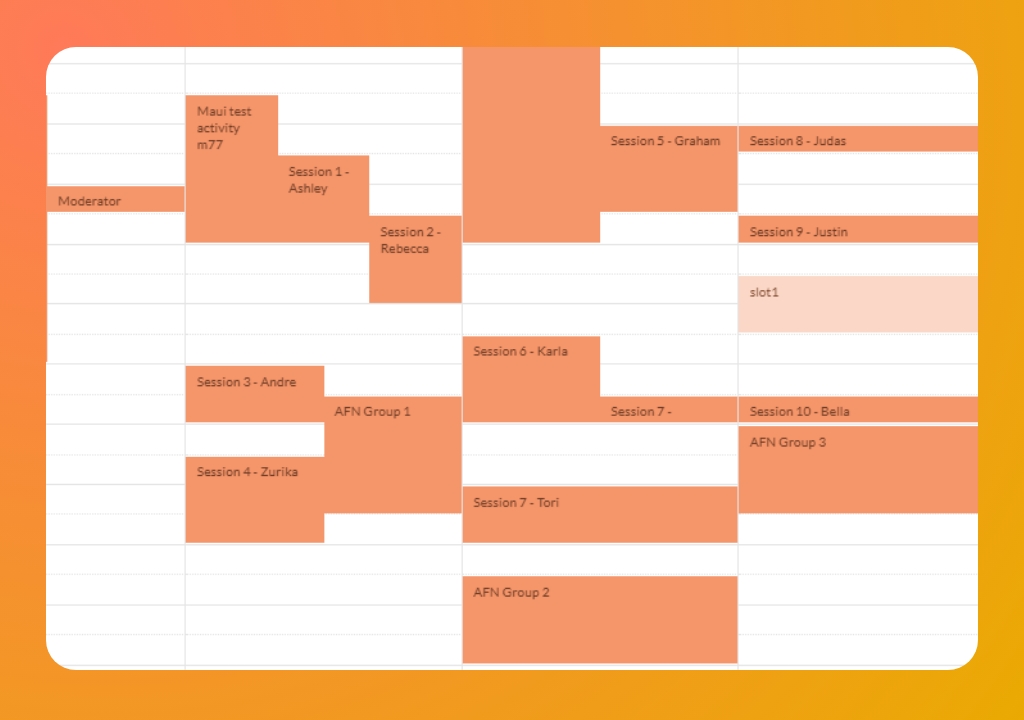
Rapid Participant & Moderator Onboarding

Add your team with a single click. Participants receive unique 'one-click' access links—no downloads, plugins, or passwords required—ensuring they can jump into the discussion and start sharing insights the moment they’re ready.
Intelligent Calendar & Recruitment Sync
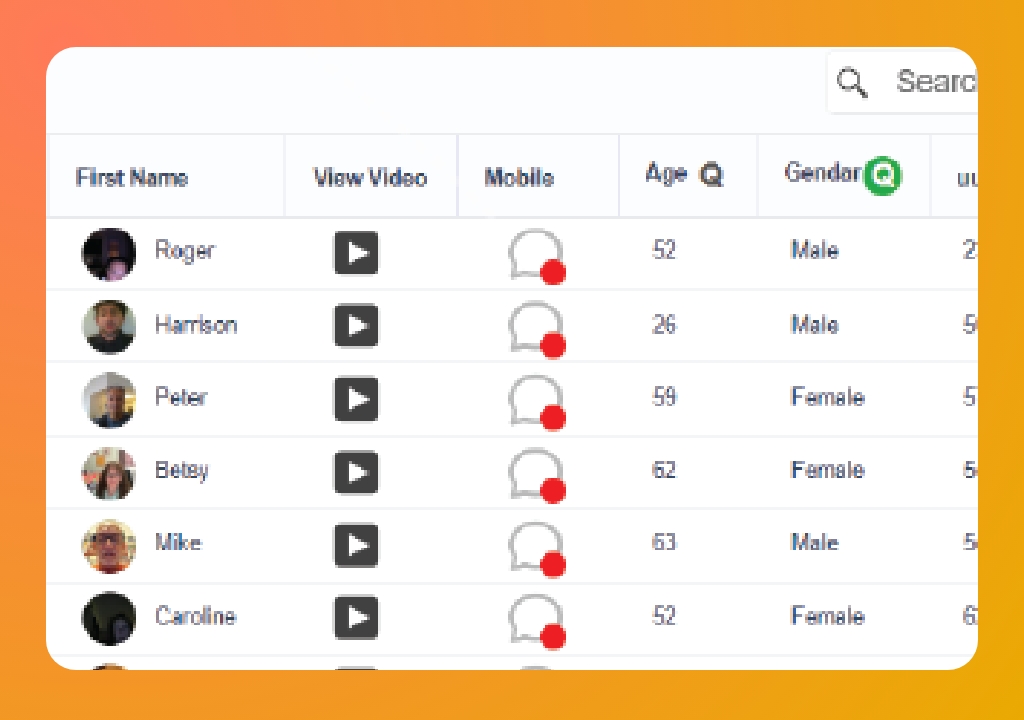
Intelligent Calendar & Recruitment Sync

Use the dedicated Recruiter Portal to import participant lists instantly. The system handles all scheduling and time-zone management, ensuring every user receives reminders and deadlines in their local time for a seamless, multi-day experience.
Seamless Management Tool Integration

Seamless Management Tool Integration

 Sync your recruitment data directly to the Board. Track activity in real-time to see who hasn't logged in yet, allowing you to quickly coordinate with recruiters for 'no-show' replacements and ensure your quotas are met. 
Secure Private Backroom Setup

Secure Private Backroom Setup

Keep clients connected with a secure, private backroom. Observers can monitor incoming feedback and collaborate with the moderator in real-time—all while remaining completely invisible to participants for a bias-free experience.
Regional Compliance & Data Storage

Regional Compliance & Data Storage

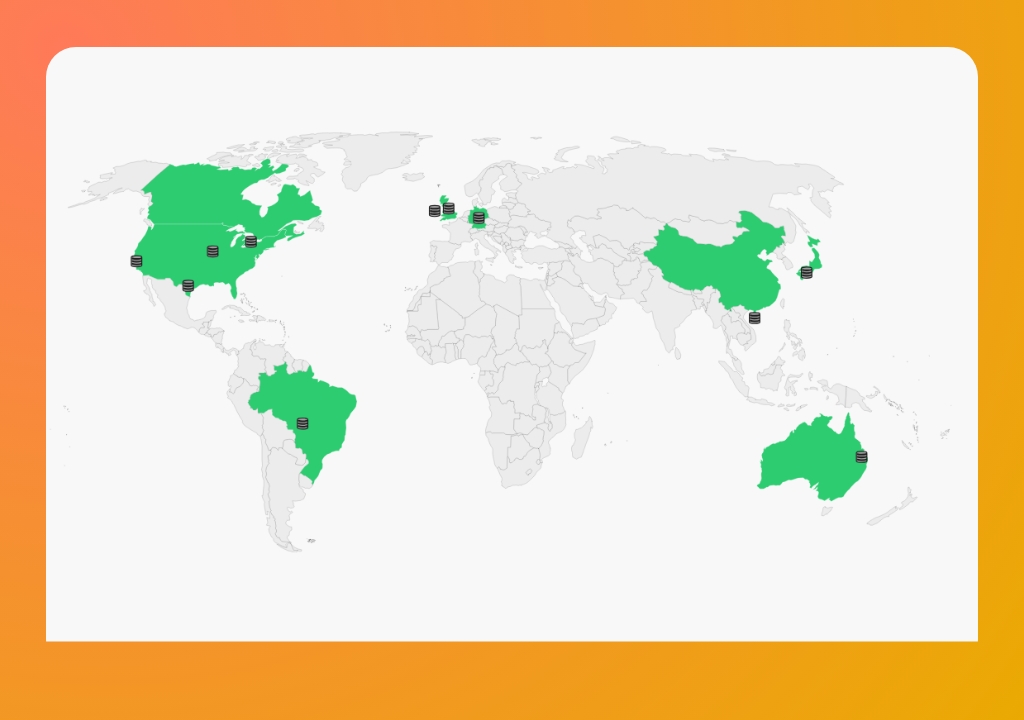
itracks ensures data redundancy, regional compliance, and high availability by storing and managing data across various locations worldwide.
 Discussion Guide & Polling

Discussion Guide & Polling

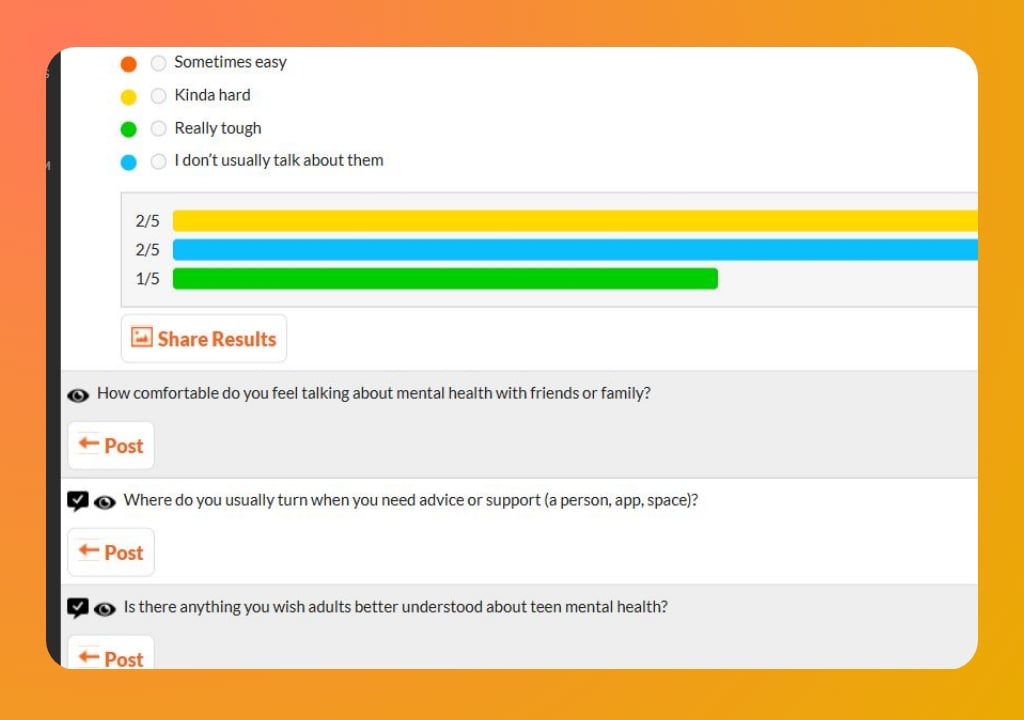
Upload your media, questions, and script to the discussion guide in advance for easy launching during your session so that you can focus on the conversation at hand. Upload any time, and copy guides from previous projects for easy editing.

Use Cases

User Journey

User Journey

Track customer sentiment over a multi-day product trial. Use itracks Board to send daily prompts that capture authentic, in-the-moment feedback as users integrate your new service into their daily routine—giving you a complete view of the 'user journey' beyond a single interview. 

Testimonials

Jeff Bierer

We had a great session with consumers who gave invaluable feedback on the concepts we shared. Having tried another platform and returning to itracks after a few years, I can tell you that itracks ROCKS!! You have a better board and provide a better client experience